Photos, videos, games, business documents, and creative projects can quickly fill a laptop’s internal storage. Cloud storage can help, but uploading hundreds of gigabytes may be slow, and ongoing subscription costs can become expensive.
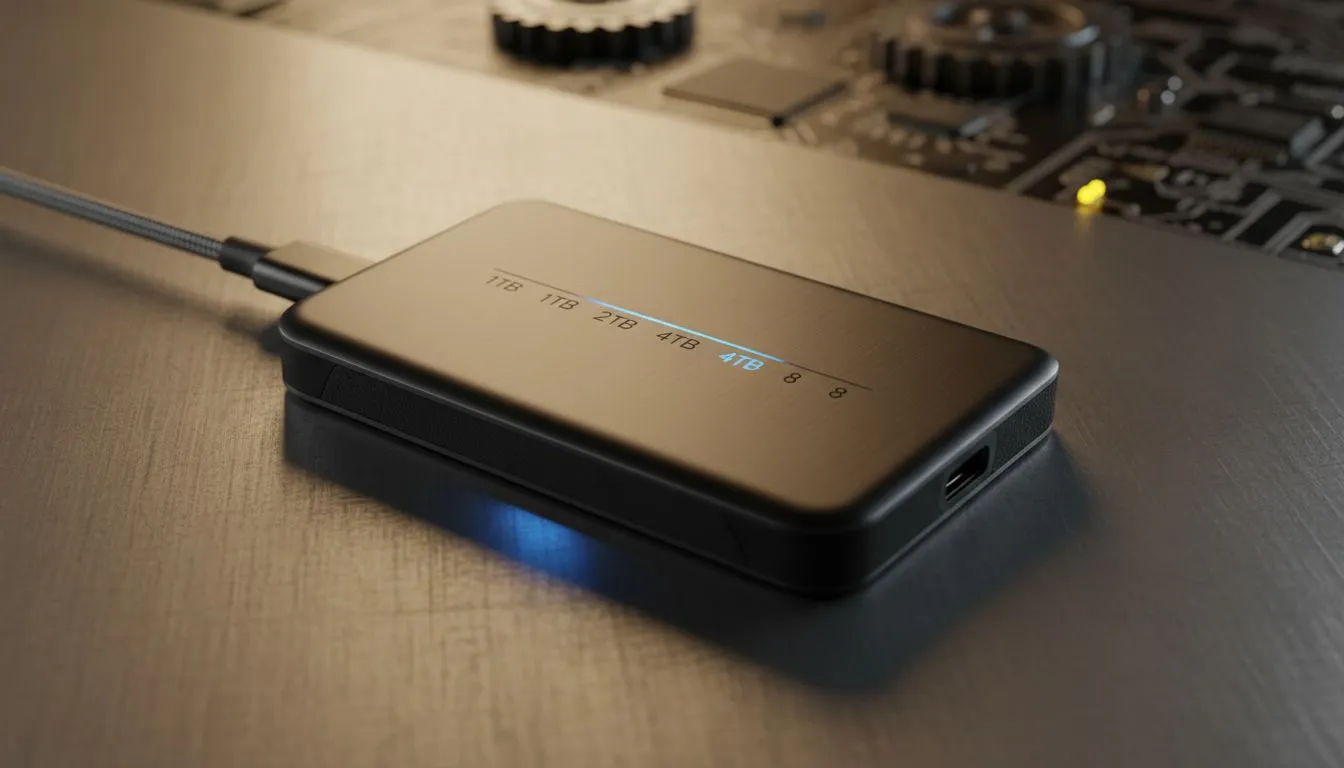
A portable SSD offers another option. It is small enough to carry in a pocket, contains no moving mechanical parts, and can transfer data considerably faster than a traditional portable hard drive.
However, the fastest drive on the product page is not automatically the right one for your computer. The connection supported by your laptop, the size of your files, and the way you plan to use the drive all affect the real-world experience.
Recommended Portable SSDs at a Glance
| Portable SSD | Recommended For | Maximum Advertised Speed | Available Capacities |
|---|---|---|---|
| Kingston XS1000 | Affordable everyday storage | Up to 1,050MB/s read | 1TB and 2TB |
| Crucial X10 | Travel, gaming and high-capacity storage | Up to 2,100MB/s read | Up to 8TB |
| Crucial X10 Pro | Photography and professional video | Up to 2,100MB/s read and 2,000MB/s write | 1TB, 2TB and 4TB |
| Samsung Portable SSD T9 | High-speed professional workflows | Up to 2,000MB/s read and write | 1TB, 2TB and 4TB |
Advertised speeds represent maximum manufacturer figures. Actual performance depends on the computer, USB port, cable, file type, capacity, temperature, and remaining free space.
Portable SSD Versus Portable Hard Drive
A traditional hard disk drive stores information on spinning magnetic platters. It normally offers more storage for the money, making it useful for large archives and backups that do not need to be moved frequently.
An SSD stores information in flash memory. Because it does not contain a spinning disk or moving read head, it is generally faster, quieter, smaller, and better suited to travel. It is also less vulnerable to the type of mechanical damage that can occur when a hard drive is bumped while operating.
Portable hard drives remain useful when maximum capacity at the lowest cost is the priority. A portable SSD is usually the stronger choice when transfer speed, physical size, and mobility matter more.
Kingston XS1000: Compact Storage Without the Premium Price
The Kingston XS1000 is a straightforward option for document backups, photo libraries, media collections, and transferring files between computers.
Kingston rates it for read speeds of up to 1,050MB/s and write speeds of up to 1,000MB/s through a USB 3.2 Gen 2 connection. The drive is available in 1TB and 2TB capacities.
Its most appealing feature is portability. At approximately 28.7 grams, it is easy to place in a laptop sleeve or camera bag. Kingston supplies a USB-C-to-USB-A cable and a USB-A-to-USB-C adapter, helping the drive work with both newer and older computers.
Choose the Kingston XS1000 if: you want a small, uncomplicated portable SSD for regular backups and everyday file transfers.
Consider another drive if: you routinely move very large video projects or need more than 2TB of capacity.
Crucial X10: High Capacity for Games, Media and Travel
The Crucial X10 combines fast advertised read speeds with unusually large capacity options. Crucial offers the drive in capacities reaching 8TB, making it suitable for extensive game libraries, high-resolution video, and large collections of photographs.
Maximum advertised read speed is up to 2,100MB/s when connected to compatible hardware. The drive also carries an IP65 rating for resistance to dust and water and is advertised as drop-resistant from heights of up to three metres under specified test conditions.
Those ratings make the X10 attractive to photographers, content creators, and other users who frequently work outside an office. They do not make the drive indestructible, however. It should still be protected from prolonged water exposure, extreme temperatures, crushing pressure, and damaged cables.
Choose the Crucial X10 if: you need a large amount of portable storage for games, travel or media files.
Consider another drive if: predictable professional write performance is more important than maximum capacity.
Crucial X10 Pro: Designed for Creative Professionals
The Crucial X10 Pro targets photographers, videographers, designers, and other professionals who regularly transfer large files.
Crucial advertises sequential speeds of up to 2,100MB/s for reads and 2,000MB/s for writes. Reaching the highest figures requires a compatible USB 3.2 Gen 2×2 connection. When used with a slower USB port, the drive should remain compatible, but transfer performance will be limited by the host device.
The X10 Pro is available in 1TB, 2TB, and 4TB versions and carries an IP55 rating for resistance to dust and water. Its compact design includes a lanyard opening that can help users attach the drive to a bag or other equipment.
Choose the Crucial X10 Pro if: you frequently move high-resolution photographs, video footage, or other large professional files.
Consider another drive if: your computer only has slower USB ports or your workload does not benefit from its higher transfer speeds.
Samsung Portable SSD T9: Fast Performance for Demanding Workflows
The Samsung Portable SSD T9 is another premium choice for users moving large media files or working directly from external storage.
It uses a USB 3.2 Gen 2×2 interface and offers advertised read and write speeds of up to 2,000MB/s. The T9 is available in 1TB, 2TB, and 4TB capacities.
Samsung’s Dynamic Thermal Guard technology is intended to manage operating temperatures and help maintain performance. The drive also supports AES 256-bit hardware encryption through compatible Samsung software and is advertised as resistant to drops of up to three metres under controlled test conditions.
The important limitation is interface support. A computer without a 20Gbps USB 3.2 Gen 2×2 port cannot deliver the T9’s maximum advertised performance. Buyers should inspect their computer’s technical specifications rather than assuming every USB-C port provides the same speed.
Choose the Samsung T9 if: you have compatible hardware and want fast transfers, hardware encryption, and established drive-management software.
Consider another drive if: your computer cannot take advantage of its 20Gbps interface.
Why the USB Port Matters
USB-C describes the physical connector, not its speed. Two computers may have identical-looking USB-C ports while supporting very different transfer rates.
- 5Gbps USB: Suitable for ordinary backups, but it will restrict the performance of faster SSDs.
- 10Gbps USB: A good match for drives advertising speeds near 1,000MB/s.
- 20Gbps USB 3.2 Gen 2×2: Required to approach the headline speeds of drives such as the Samsung T9 and Crucial X10 Pro.
- Thunderbolt or USB4: May support very fast storage, but compatibility with USB 3.2 Gen 2×2 speeds varies by device.
Always consult the computer manufacturer’s specifications. The supplied cable also matters; a USB-C charging cable may function for power while offering very slow data transfer.
How Much Storage Do You Need?
One terabyte is adequate for office documents, a large photo collection, or a moderate number of games. It is a sensible starting point for most buyers.
Two terabytes provides more flexibility for 4K video, large game installations, and backups from multiple devices. It often offers a strong balance between price and capacity.
Four terabytes or more is appropriate for professional video projects, extensive media libraries, or users who want to carry several large projects simultaneously.
Do not plan to fill an SSD completely. Keeping some free space can help maintain performance and gives backup software room to create temporary files and updated versions.
A Portable SSD Is Not a Complete Backup
Moving the only copy of a file onto an external SSD does not create a backup—it simply changes where the original is stored. Portable drives can still be lost, stolen, damaged, accidentally erased, or affected by malware.
A stronger approach is the 3-2-1 backup principle described by NIST:
- Keep three copies of important information.
- Store the copies using at least two different types of storage.
- Keep one copy in a separate location.
For a home user, that could mean keeping working files on a computer, maintaining an automated copy on a portable SSD, and storing another encrypted copy in a reputable cloud service.
Frequently Asked Questions
Can I use the same portable SSD with Windows and macOS?
Yes, but the file system matters. ExFAT is widely supported by Windows and macOS and is convenient for exchanging files. Platform-specific formats may offer additional features but can reduce compatibility.
Can I run games from a portable SSD?
In many cases, yes. Compatibility depends on the game platform, console, and connection speed. Some current-generation console games may need to be transferred back to approved internal storage before they can be played.
Can I edit video directly from a portable SSD?
Yes. Fast portable SSDs are commonly used for editing, provided that the drive and computer connection can sustain the required data rate. Maintain a separate backup of the original footage.
Should I encrypt a portable SSD?
Encryption is advisable when the drive contains business records, personal documents, medical information, or other sensitive data. Remember that losing the encryption password or recovery key may make the files permanently inaccessible.
Final Recommendation
The Kingston XS1000 is the practical choice for affordable backups and ordinary file transfers. The Crucial X10 offers greater capacity and stronger environmental protection for travellers, gamers, and media collectors.
Creative professionals should consider the Crucial X10 Pro or Samsung T9, but only after confirming that their computer supports the connection required for maximum performance.
Most importantly, treat a portable SSD as one part of a wider backup plan. Fast storage can save time, but multiple verified copies are what protect irreplaceable files.